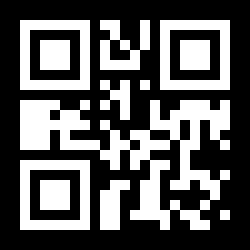
How to Make a QR Code for Your X (Twitter) Profile
To make a Twitter QR code, copy your profile link
(x.com/yourhandle), paste it into the generator above, and download the
code. A scan opens your profile in the X app, or in the browser for people
who don't have it.
- Copy your link.
Your profile is
x.com/plus your handle. For one post, tap the share icon and choose Copy link. - Paste it into the generator. The code switches to the X style automatically. Swap in your own colours or logo if it's going on branded material.
- Download and print. PNG for slides and screens, SVG for printed cards and banners.
Where an X QR Code Works Well
Conference Talks
Your handle on the first and last slide, so the audience can follow you before you leave the stage.
Business Cards & Badges
One scan instead of spelling out a handle with underscores.
Booths & Events
A sign at your stand for event updates and live posts. More for events.
Packaging & Print Ads
Point customers to the account where you post news, deals, and support replies.
X Plus Your Other Socials
Active on more than one platform? A QR code with multiple links opens a page with a button for each profile. Or make a code per platform: Instagram, LinkedIn, and TikTok.
Static or Dynamic X QR Code?
A static code is free forever and opens the link you printed. If you change your handle, it stops reaching you, because the old handle's link no longer opens your profile.
An editable dynamic QR code (requires a plan) can be updated to your new handle, or to a different platform entirely, without reprinting. You can also see how many people scanned each card or sign.